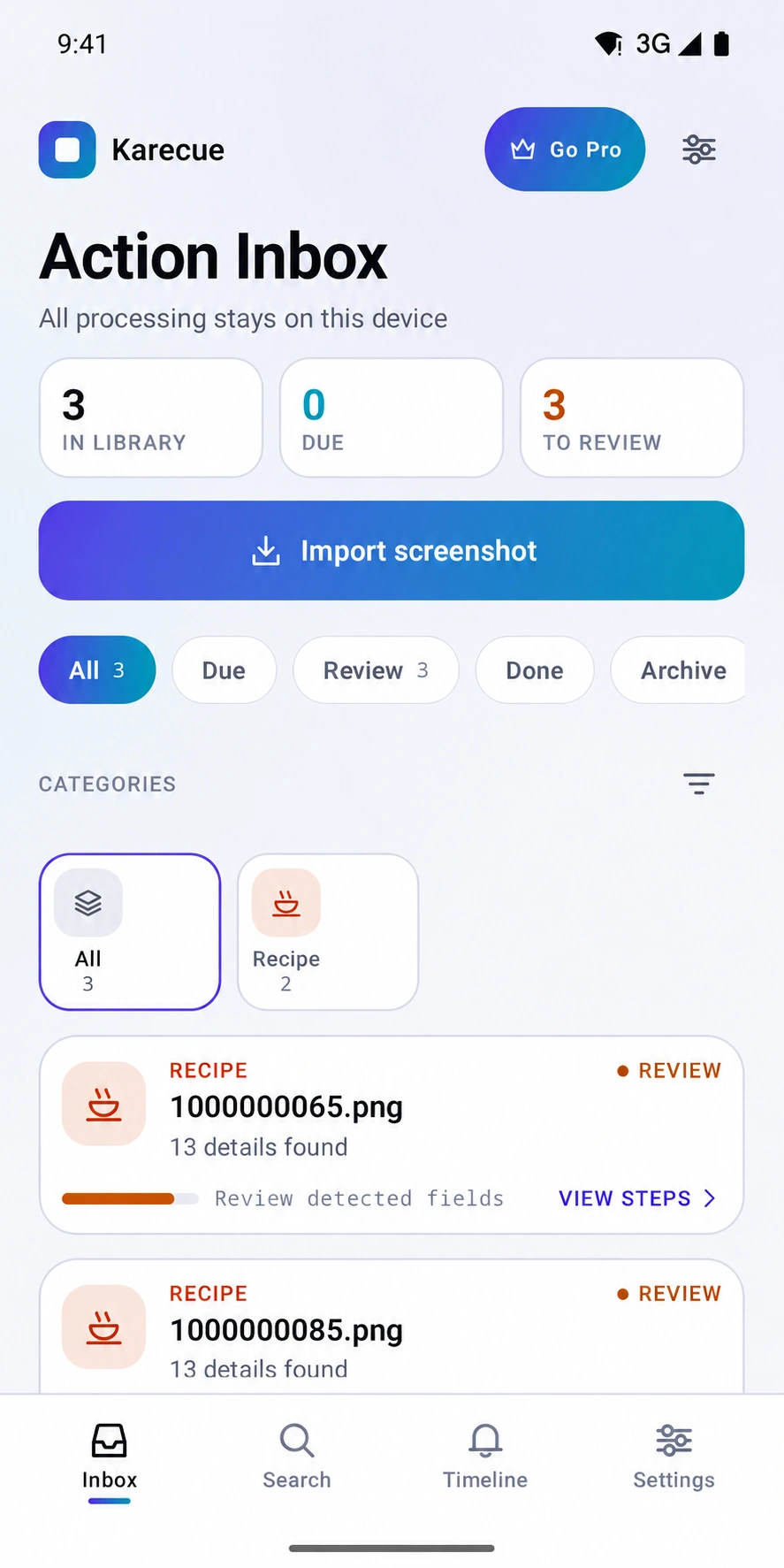
Turn screenshots into tickets, tracking, lists, reminders and useful actions.
Your screenshot folder is full of things you meant to do: a ticket for next week, a tracking code, a product to compare, an address to visit, a recipe to cook, or a post you wanted to remember.
Karecue / A closer look
Built around you.
01
From Screenshot to Useful Card
Turn selected screenshots into typed cards for tickets, orders, products, addresses, recipes, expiring codes, or saved ideas.
02
Review Before Anything Happens
Check detected details before saving a reminder, opening another app, or requesting deletion; OTP screenshots are never deleted automatically.
03
A Calmer Smart Inbox
Filter what needs review, track upcoming items, mark actions done, archive old cards, and tune reminders with quiet hours.